01
addrShare the right address
Keep home, school, activity, or frequently visited addresses labeled clearly so you choose the right one.
 ExpandCaptainGet Founder Lifetime
 Keep addresses, pickup notes, travel details, household links, and thoughtful repeat messages ready on your own Mac, iPhone, and iPad.
ExpandCaptain can simplify everyday family communication for one person across their Apple devices: addresses, pickup notes, travel details, recurring links, and messages stay organized without living in an endless clipboard history.
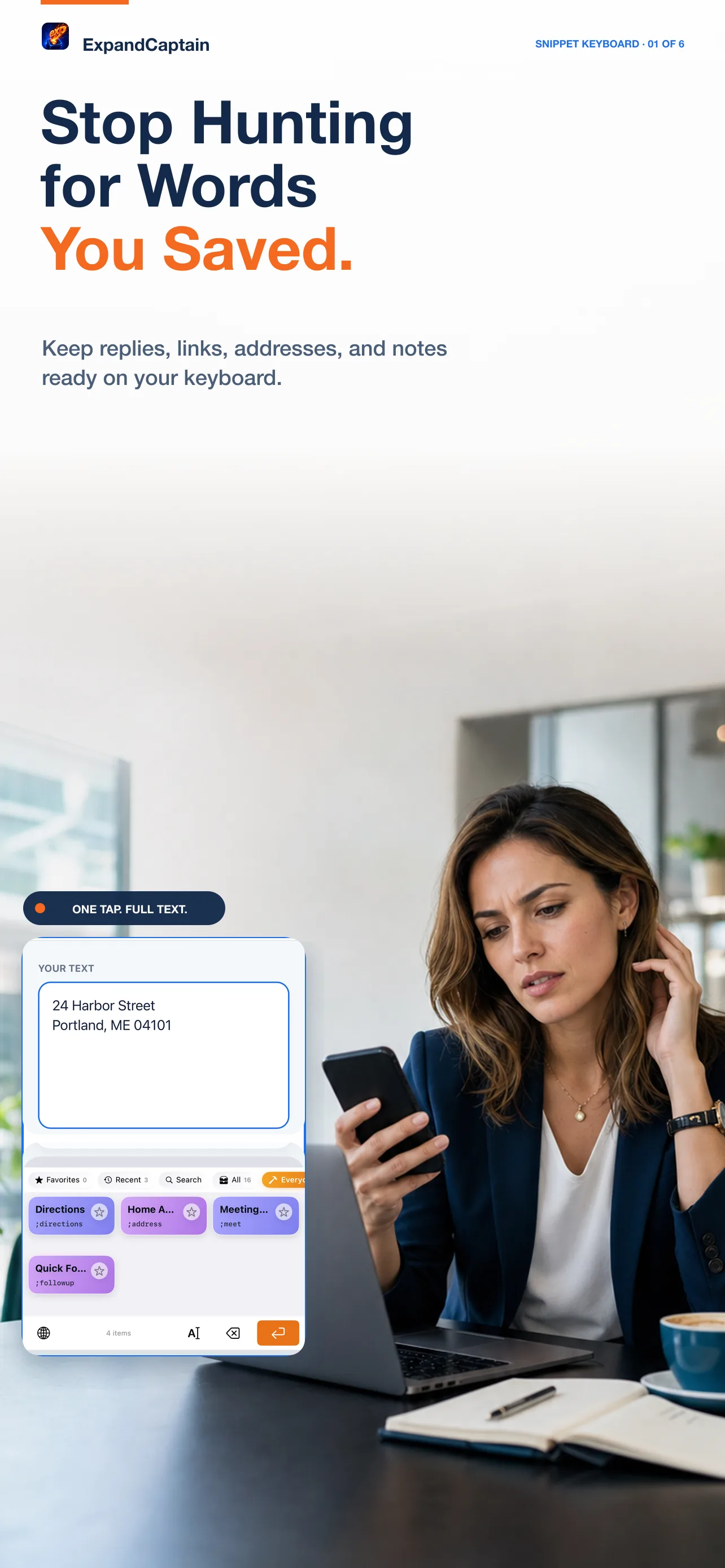
These examples use complete, memorable triggers. A semicolon is optional, and guided fields handle the details that change.
addrKeep home, school, activity, or frequently visited addresses labeled clearly so you choose the right one.
;pickupPrompt for the person, place, time, and anything they need to bring before inserting the finished message.
;tripKeep confirmation links, checklists, directions, and itinerary headings ready without hunting through an old thread.
ExpandCaptain does not send messages or share a family library automatically. It keeps your own reusable text close, and you decide what to insert and send.
One clear comparison for an individual Apple-device user, using published USD prices checked July 17, 2026.
| Elapsed time | ExpandCaptain | Annual alternative | Difference |
|---|---|---|---|
| Year 1 | $24.99 | $39.96 | $14.97 |
| Year 2 | $24.99 | $79.92 | $54.93 |
| Year 3 | $24.99 | $119.88 | $94.89 |
This is a price-model comparison, not a claim of feature parity. TextExpander includes cross-platform and organizational capabilities that may matter to some buyers; ExpandCaptain Founder Lifetime is individual v1 Pro across the purchaser's own Mac, iPhone, and iPad. Prices exclude tax and can change. Sources: CodexCaptain and TextExpander pricing.
Founder Lifetime is described as one person's access across their own Mac, iPhone, and iPad. It should not be presented as a family-sharing license unless the checkout terms say so.
No. On iPhone and iPad you choose the saved text from the keyboard, review it in the app you are using, and decide when to send.
Snippet content is stored locally and can sync through your personal iCloud account when enabled.
Yes. Use folders, colors, titles, and search to keep personal and work snippets clearly separated.